
Working with labs6 min read
A Lab Prescription Checklist That Prevents Callbacks
Most lab callbacks trace back to the same missing or unclear prescription details. Use this field-by-field checklist to cut holds and delays this week.
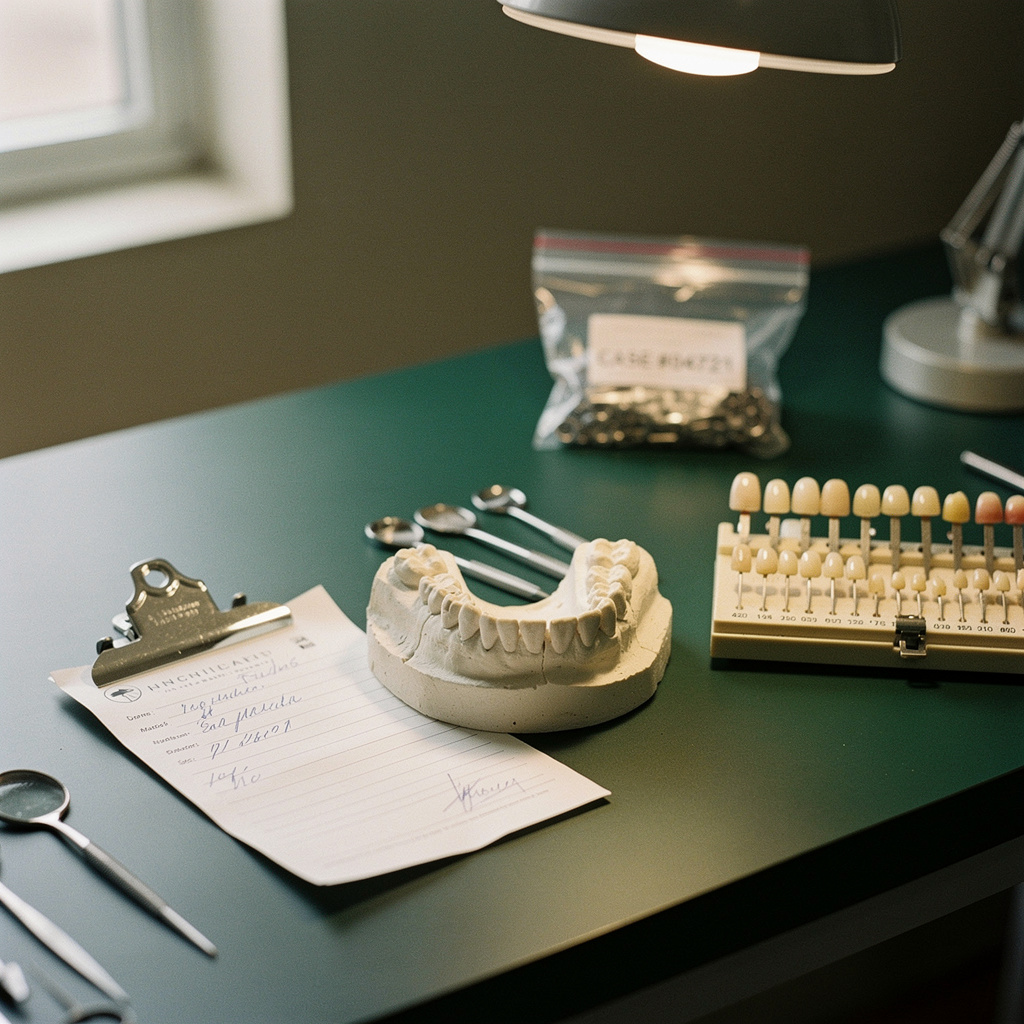
A case that sits on hold while the lab waits for an answer is rarely a lab problem or a practice problem. It is a prescription problem. The same few gaps cause most callbacks: an unclear material, a missing shade, an unstated numbering system, or a note that contradicts the impression.
Each callback costs the lab a stalled case and costs your front or clinical team an interruption. It also pushes the delivery date, which affects your patient's schedule. This article walks through the fields that matter most, how to standardize the repetitive ones, and how to find out which gaps your practice has.
Why prescriptions break down
A few patterns show up again and again:
- Assumed knowledge. The assistant leaves a field blank because the doctor always wants it a certain way. The lab has no way to know that.
- Vague shorthand. "Crown, #19" does not say whether it is monolithic zirconia, layered zirconia, lithium disilicate, or PFM.
- Verbal instructions. A request made in the operatory never reaches the written form.
- Conflicts. The prescription describes one thing and the scan, model, or photos show another.
None of these takes long to fix, but they need a process rather than good intentions.
The fields that cause the most callbacks
Treat the list below as a minimum. Your lab may ask for more, and the clinician decides the clinical specifics. The point is that every field gets an explicit answer.
1. Identification and dates
- Patient name or ID, doctor name, practice name, and a phone number someone will actually answer
- The date the case is sent
- The due date, meaning the day you need it in the office, not the day the lab ships it
If the patient appointment is fixed, say so on the form. A lab can often prioritize a case if it knows there is a hard date, but it cannot guess.
2. Tooth numbers and numbering system
Write the tooth numbers and name the system (Universal or FDI) if there is any chance of confusion. For bridges, mark which teeth are abutments and which are pontics. A diagram or marked-up chart is better than a sentence.
3. Restoration type and material
Be specific. Name the material and the construction, such as full-contour or layered, and add a brand if you have a preference. If a doctor accepts the lab's standard material, write "lab's choice" on purpose so it reads as a decision rather than an omission.
4. Design preferences
These are the details that vary by doctor, and the lab cannot read them off a scan:
- Contact tightness
- Occlusal scheme or clearance notes
- Margin or finish line expectations
- Pontic design for bridges
- Metal or porcelain coverage on the occlusal or lingual surfaces, where relevant
What goes in each field is the clinician's call. The workflow job is making sure the field is filled in or covered by a standing preference (more on that below).
5. Shade information
Shade is the most common source of remakes and adjustments that begin as a communication gap. Include:
- The shade system used (for example, a classic shade guide or a 3D-based one)
- The shade selected, and for multi-tooth cases whether neighboring teeth should be matched
- Stump or prep shade if the material is translucent enough for it to matter
- Photos taken with the shade tab beside the tooth, attached to the case, not sent separately
If shade is going to be adjusted or characterized at a try-in, say so. A lab that knows the plan can build for it.
6. Records sent
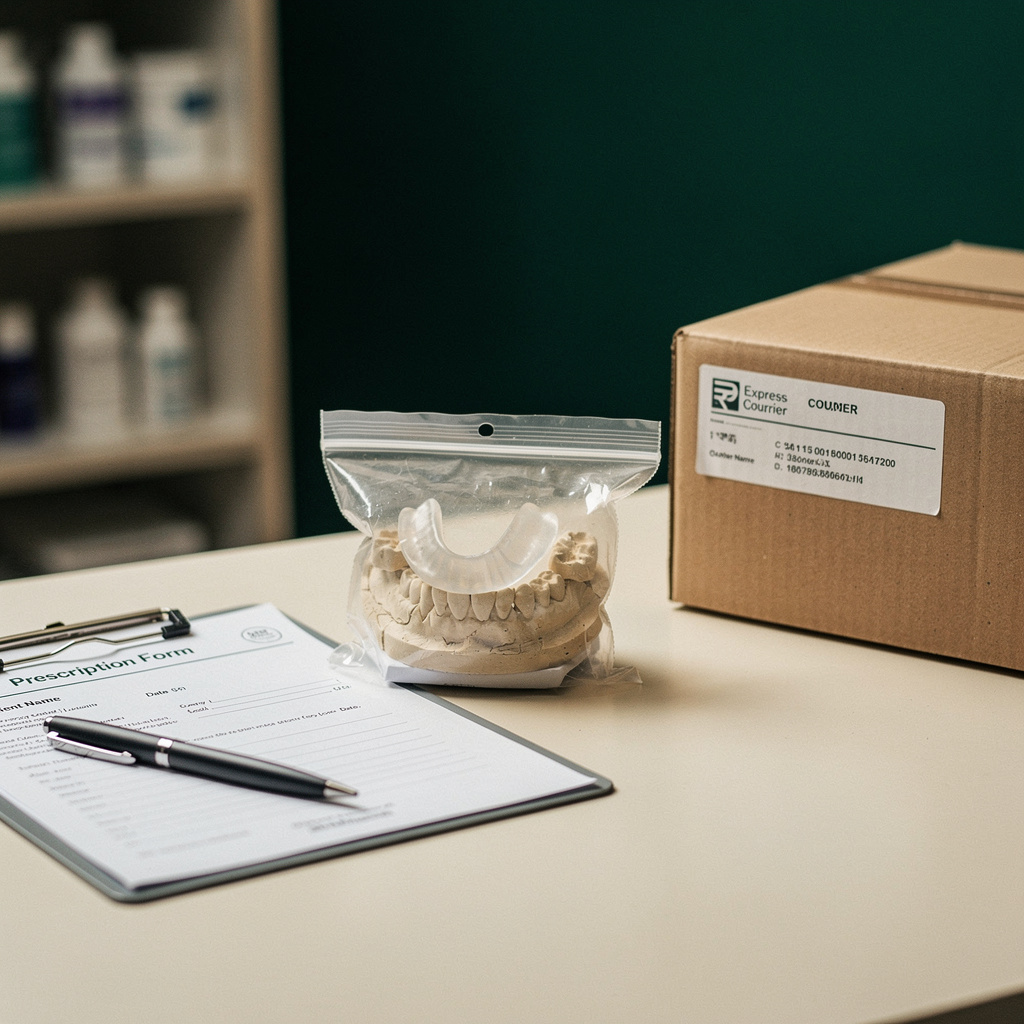
List what is in the box or the upload: digital scan file, physical impression, models, bite registration, opposing arch, photos. Then confirm the list matches what you actually sent. A missing bite registration discovered at the lab is a callback waiting to happen.
7. Implant details, if applicable
Name the implant system and platform, state whether the restoration is screw-retained or cement-retained, and list the components included (scan body, abutment, analog). Attach whatever your lab needs to identify the library. Implant cases tend to have the most moving parts, so they benefit most from a dedicated form section.
8. Return and special handling
Note whether you want models returned, whether this is a try-in stage or a final delivery, and any shipping instructions.
Use standing preferences to shorten the form
Most doctors want the same thing most of the time. Instead of rewriting those choices on every prescription, create a one-page preference sheet per doctor and share it with each lab you use.
A useful sheet covers:
- Default material by tooth region or restoration type
- Default contact and occlusion approach
- Default margin and finish preferences
- Preferred shade system
Then the prescription only has to flag exceptions, which are easier to spot. Review the sheet once or twice a year, and any time a doctor changes technique or material. Make sure the lab confirms it has the current version, because an outdated sheet creates its own errors.
Decide what happens when the case and the prescription disagree
Sometimes the prescription says one thing and the scan or model suggests another. A bridge is prescribed across teeth where the records look different, or the margin is hard to see. Agree with each lab on a simple rule: the lab contacts the practice before fabricating, not after.
On your side, name one person who handles these calls, with their hours. If the lab has to leave a message for "the office," the case waits. A direct line or a named contact with a backup is worth more than a perfect form.
A 60-second check before the case leaves
Put this at the point where the case is packed or uploaded. The person who filled in the form should not be the only one who checks it.
- Are tooth numbers and restoration type filled in and consistent with each other?
- Is the material named specifically, or marked as the lab's choice?
- Is a shade recorded, with a photo attached?
- Does the list of records sent match what is in the package or upload?
- Is the due date the in-office date, and is it written clearly?
- Has the doctor signed or approved the prescription?
Six questions, one minute. That is usually less time than a single callback.
Find your own pattern
Generic checklists only go so far. Your practice probably has two or three recurring gaps. For 30 days, keep a simple log of every lab callback:
- Date and case type
- Which lab called
- What they needed to know
- Who answered and how long it took
At the end of the month, group the reasons. If shade shows up repeatedly, fix the shade section. If the lab keeps asking about records, fix the records list. Share the results with your lab contact and ask what they chase most often across all their accounts. A good lab will have a clear answer.
For lab owners
The same logic applies from the other side. Publish a one-page "what we need on every case" sheet. When a case is incomplete, send back a specific question, such as "Please confirm material for #14," instead of a generic hold notice. Track which fields you chase most and adjust your intake form to make them required. Clients usually appreciate a lab that makes it hard to send an incomplete case.
Choosing a lab with intake in mind
How a lab handles incomplete prescriptions is a fair question to ask when you evaluate one. Ask who calls, how fast, and how they document the answer. If you are comparing several labs at once, Dintle lets you view labs side by side with per-case prices up front, then send cases and track orders through to delivery. Whichever route you take, a prescription that answers the lab's questions before they are asked is the cheapest improvement available.
Start this week: pick the last five cases that needed a callback, find the field that was missing in each, and fix your form or preference sheet to cover it.