
Restorations6 min read
Night Guard Orders: What Your Lab Needs to Get It Right
A practical guide to ordering night guards: material, thickness, coverage, bite scheme, and the impression details that reduce chairside adjustments and remakes.
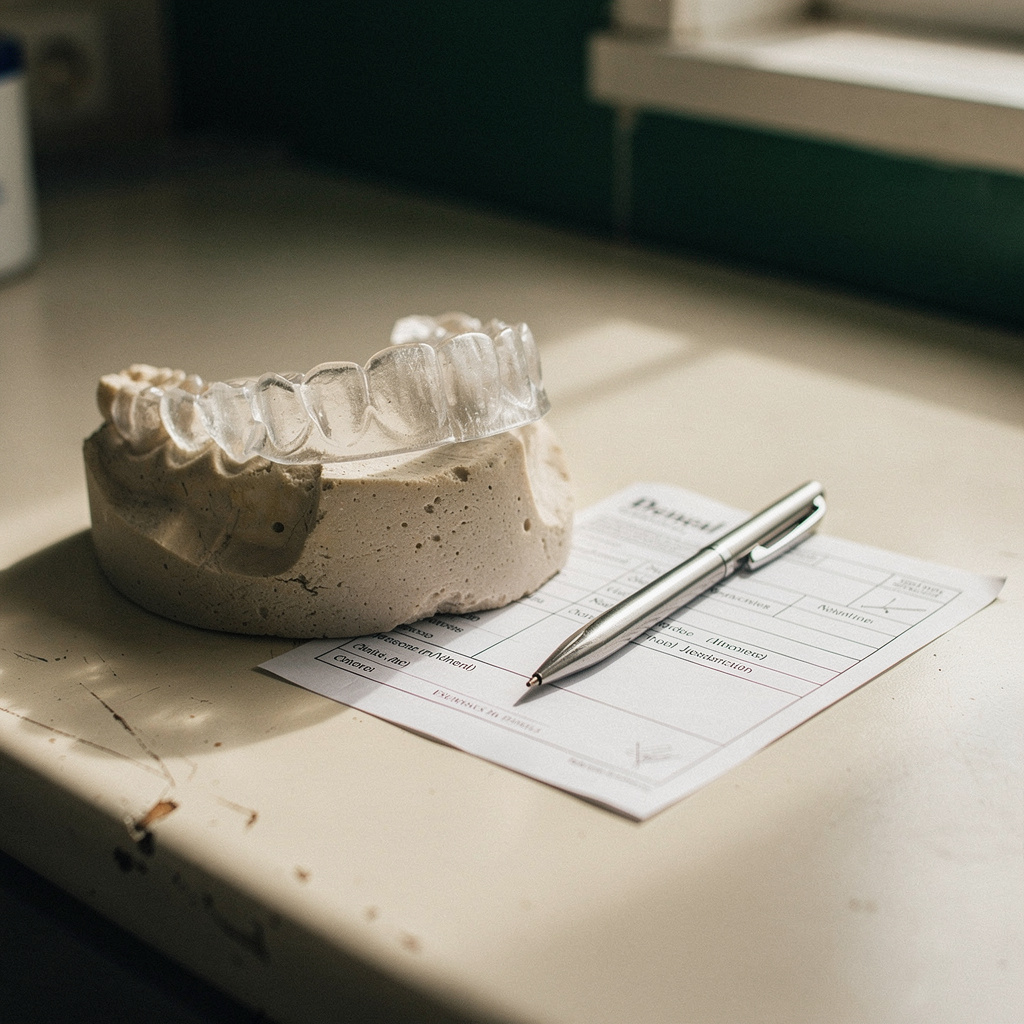
Night guards look simple. There is no shade to match, no margin to seat, and no abutment to fit. That is exactly why they are often sent with the thinnest prescriptions in the practice. "Upper hard night guard" is a common Rx, and it leaves the lab guessing at five or six decisions that change how the appliance fits, feels, and functions.
This article covers the details a lab needs to fabricate an occlusal guard the way the clinician intended, and how to build them into your workflow so they are not re-decided on every case.
Decide the appliance before the case leaves the building
The lab can make what you specify, but it should not be choosing the design for you. Before sending, the clinician should settle:
- Arch. Upper or lower. Many practices have a default, but it should be written on every Rx, not assumed.
- Material type. Hard (heat-cured, milled, or printed acrylic or similar), dual-laminate (softer inner layer, harder outer layer), or soft thermoformed. Labs offer different options, and availability varies by lab and by fabrication method.
- Purpose. If the appliance is meant for a specific goal, such as protecting restorations, managing wear, or a different clinical purpose, the clinician decides the design. The lab should have enough information to fabricate it, not to diagnose.
If you are unsure what a lab offers, ask for its list of appliance materials and its default settings before you send the first case.
What belongs on the prescription
A complete night guard Rx covers more than arch and material. Include these items every time:
- Material and hardness. Name the material, not just "hard" or "soft." If the lab uses a brand or product tier, use its terminology.
- Thickness. Labs have defaults, and defaults vary. If your clinician wants a thinner or thicker guard, say so in millimeters or as "lab standard." Do not leave it blank and expect the lab to know your preference.
- Coverage. Full-arch coverage through the second molars, or a specific partial design? Note palatal or lingual coverage and how far the facial extension should go.
- Occlusal scheme. Flat plane, canine rise, anterior stop, or another design the clinician prefers. Write out the intended contacts. Do not rely on a lab tech's habit.
- Opposing arch and bite. Always send the opposing arch and a bite registration, even for a single-arch guard. The lab needs them to build the occlusal surface.
- Existing and planned dentistry. Note recent crowns, implants, missing teeth, open contacts, and anything scheduled to change before delivery. A guard made before a crown seats may not fit after.
- Cosmetic details. Clear, tinted, or colored. Any engraving or labeling. These are easy to forget and annoying to fix.
- Undercut and block-out instructions if the clinician has a preference, especially with tori, severe rotations, or orthodontic hardware.
The impression or scan matters more than you think
Appliances cover a lot of tissue, so small capture errors show up as fit problems. A crown tolerates a tiny distortion in one area. A full-arch guard can rock on it.
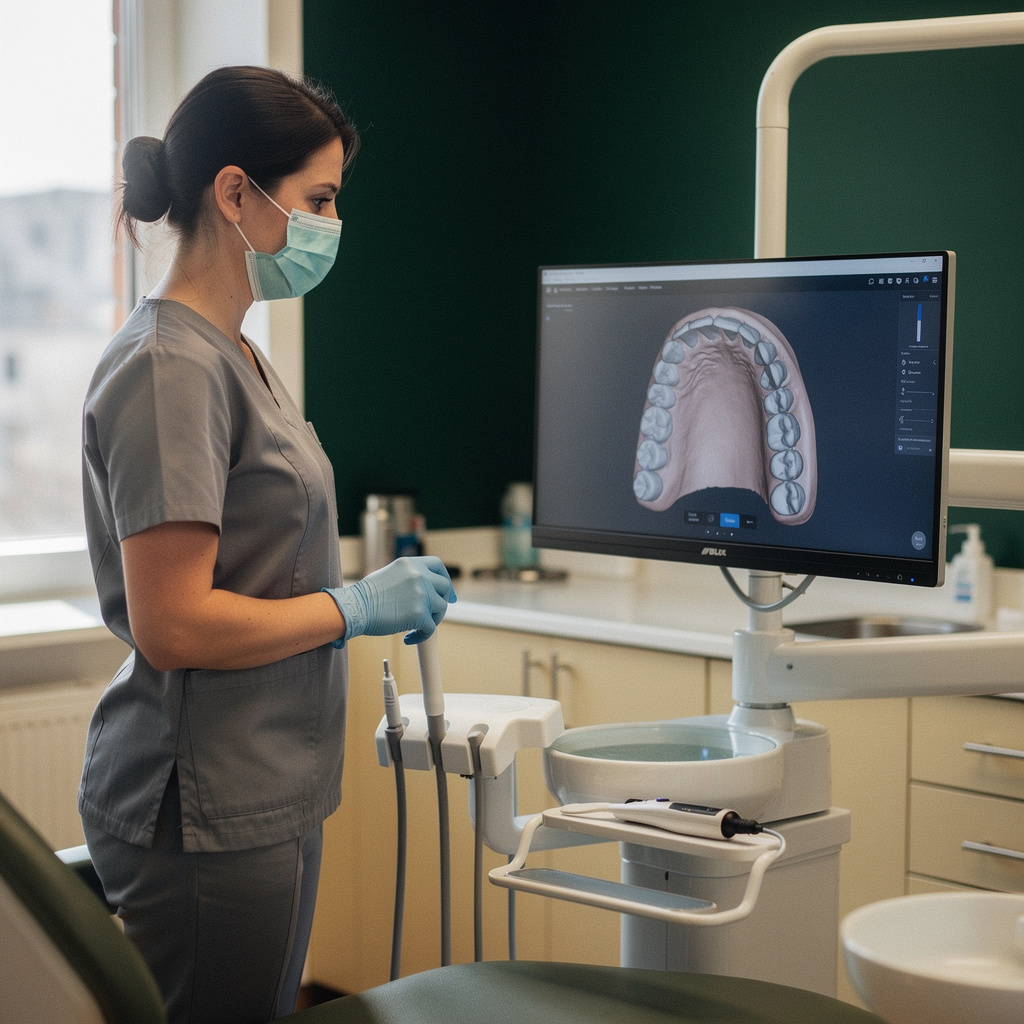
For conventional impressions:
- Capture the full vestibule and the distal of the last molar, not just tooth surfaces.
- Check for voids, pulls, and tray contact before you release the patient. A bubble in the wrong place may be a rejected case.
- Disinfect and pour or ship promptly, following your lab's instructions. Delays can distort some materials.
For digital scans:
- Scan the full arch with adequate soft tissue, including the palate for uppers.
- Review the scan for holes or stitching errors before sending.
- Capture the bite in a position the clinician has confirmed, and make sure the buccal bite scan aligns the arches correctly.
If the arches do not articulate cleanly in the software, the guard will not either. It is better to rescan than to send a case that needs a remake.
Where night guard cases go wrong
Most problems trace back to a handful of causes:
- Assumed defaults. The office expected a thin, low-profile guard and the lab made its standard thickness.
- Wrong or unclear arch. The Rx and the scan did not match, or nobody confirmed which arch the clinician intended.
- Bite mismatch. The bite registration was taken in a position that was not repeatable, so the guard needs heavy adjustment.
- Changes after the impression. A new crown, extraction, or orthodontic change happened between the scan and delivery.
- Tissue capture gaps. The margin area was incomplete, so the lab had to guess at the edge.
- Missing instructions on retention. The clinician wanted more or less snap-in retention and did not say so.
None of these require the lab to be wrong. They happen because the information was not on the page.
A simple Rx template you can reuse
Build a short template in your practice management or lab portal so staff do not retype or skip fields. For example:
- Arch: upper / lower
- Material: [lab's named option]
- Thickness: [lab standard or specified mm]
- Coverage: full arch to second molars / other (describe)
- Occlusal scheme: [clinician's choice]
- Opposing arch and bite: included / attached
- Recent or planned restorations: [list or none]
- Color and finish: [clear, tint, engraving]
- Special notes: [block-outs, retention preference, ortho hardware]
Then let each clinician save a preference card. Dr. A's default can be filled in once, and staff only change what differs for the patient.
Check the appliance before the patient sits down
A quick inspection at delivery can catch problems early:
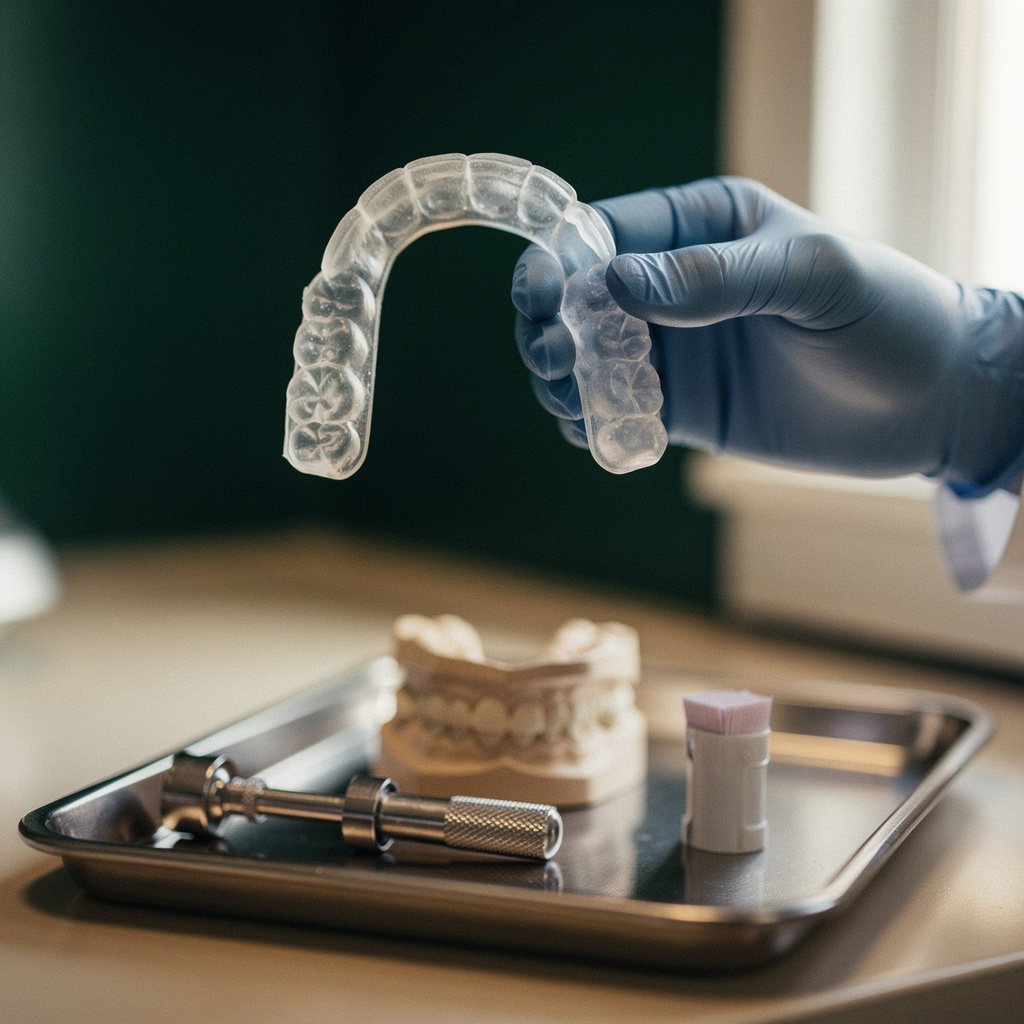
- Compare the Rx to the finished appliance: arch, material, thickness, coverage, and any engraving.
- Inspect the fitting surface for bubbles, rough spots, or sharp edges.
- Seat it on the model if you have one, then in the mouth. Check seating, rocking, and retention.
- Evaluate the occlusal contacts the way the clinician would, with articulating paper, and adjust per the clinician's judgment.
Record what you adjusted and why. If the guard cannot be brought to an acceptable fit with reasonable adjustment, send it back with notes on what you found. A good note says "rocks on the distal of the upper right, scan showed incomplete tissue capture in that area," not "doesn't fit."
Talk to your lab about defaults
Ask the lab three questions:
- What is your default thickness and coverage when the Rx does not specify?
- Which materials and fabrication methods do you offer for occlusal appliances?
- What do you need from a scan or impression to start a case without delay?
The answers go into your template. Labs differ here, and a mismatch between your expectations and their defaults is a quiet source of adjustments.
Pricing and ordering
Because night guards are routine, they are a good case type to compare across labs. Prices and available materials vary, and it helps to see them side by side before you pick a lab for the whole practice. On Dintle, you can compare dental labs, see per-case prices up front, send the case, and track the order until delivery, which makes it easier to standardize where your appliances go.
The takeaway
A night guard Rx should read like a small set of instructions, not a label. State the arch, material, thickness, coverage, and bite scheme. Send a clean scan or impression with the opposing arch and bite. Flag any restorative changes. Then save it as a template so the next case takes two minutes instead of ten and comes back closer to what the clinician wanted.