Working with labs6 min read
How to Write a Remake Request Your Lab Can Act On
A clear remake request gets the case fixed faster and helps the lab find the cause. Here is what to include, what to send back, and a template to use.
A remake request that says "doesn't fit, please redo" starts a slow loop. The lab has to guess what went wrong, call your office to ask, wait for a callback, and often returns a second restoration with the same problem. A request that takes five extra minutes to write can shorten that loop by days.
This article covers what a useful remake request contains, what to physically send back, and how to keep the tone productive so the lab treats it as a problem to solve rather than a dispute.
Start by separating the problem type
Before you write anything, decide which of these you are dealing with. Labs handle them differently, and mixing them up is the most common source of confusion.
- Adjustment: the restoration is workable with chairside changes, such as a small contact or occlusal tweak.
- Repair or modification by the lab: something minor the lab can correct without fabricating a new unit, such as a glaze, a contact addition, or a shade stain.
- Remake: the restoration needs to be fabricated again.
- New impression or scan needed: the problem started upstream of the lab, such as a margin that was not captured.
The clinician decides which category applies. Your job as the office is to name it clearly in the request so the lab does not have to infer it. If you are unsure, say so and ask the lab to look at the restoration and advise before committing to a remake.
What every remake request should include
Think of the request as a standalone document. Someone at the lab who has never seen the original order should be able to read it and understand the situation.
Identifiers
- Patient name or case ID exactly as it appeared on the original prescription
- Original case number and the date it was sent
- Doctor name
- Tooth number and restoration type
- Date of the seat appointment, or the date the patient is expected back
A specific description of the issue
Use observable language. Compare these:
- Vague: "Crown is off."
- Useful: "Mesial contact is open on try-in. Floss passes with no resistance. Margins appear seated on the die model but not in the mouth."
You are not required to diagnose the cause. Describe what you saw, where on the tooth, and at what stage it appeared (try-in, delivery, after adjustment). If the clinician has an opinion on the cause, include it as an opinion, not a conclusion.
What you already did chairside
Labs need to know whether the restoration has been adjusted. If the occlusion was reduced, a contact was opened, or the piece was tried in with a different cement or try-in paste, say so. An unreported adjustment can make a lab conclude the original fabrication was wrong or right when the picture is more mixed.
Photos
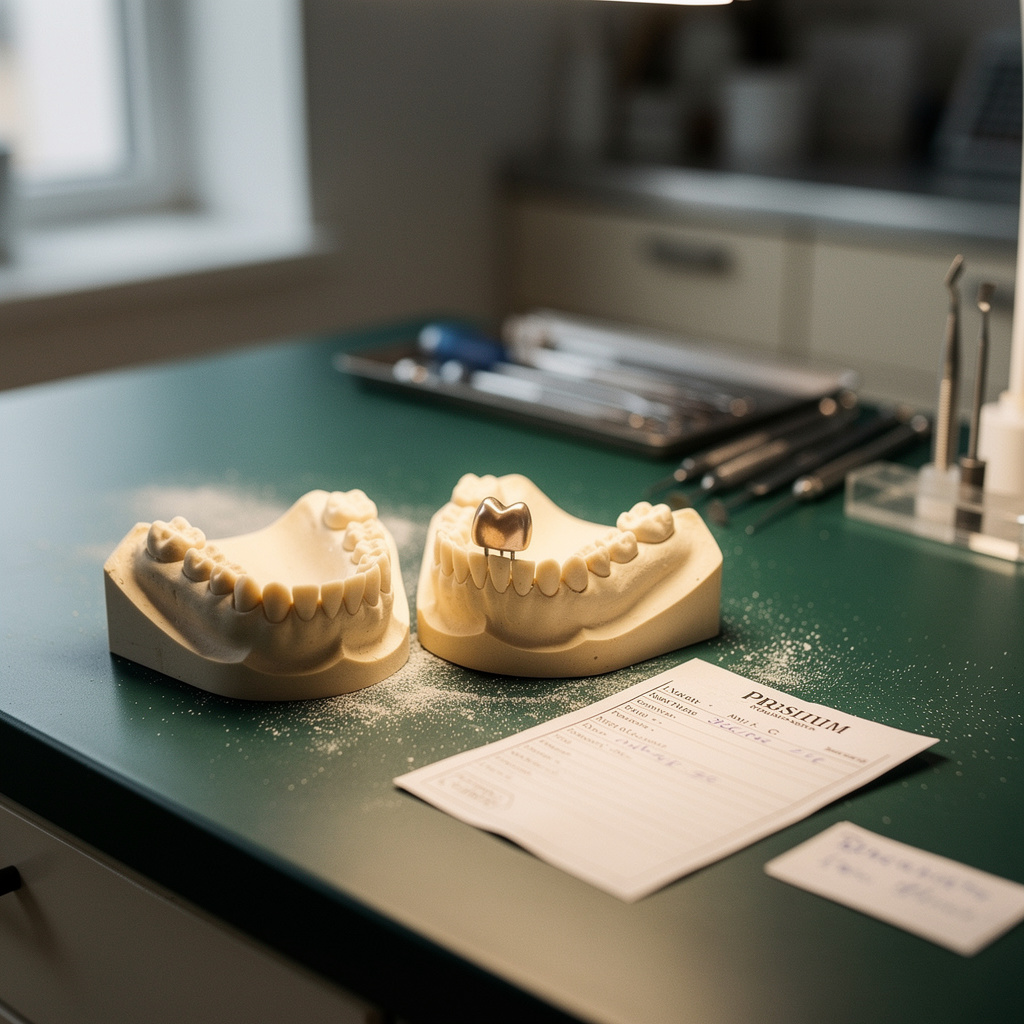
Attach photos of the restoration on the model if you have one, and in the mouth if appropriate. For a shade complaint, include a shade tab in the frame under consistent lighting. Two or three clear images usually do more than a paragraph of text.
What you want
State the outcome you are asking for: a remake, a lab-side modification, a call to discuss, or a credit. Also state your deadline. If the patient is scheduled in a week, put that date at the top of the request, not buried in the last line.
What to send back physically
Unless the lab tells you otherwise, return the original items together.
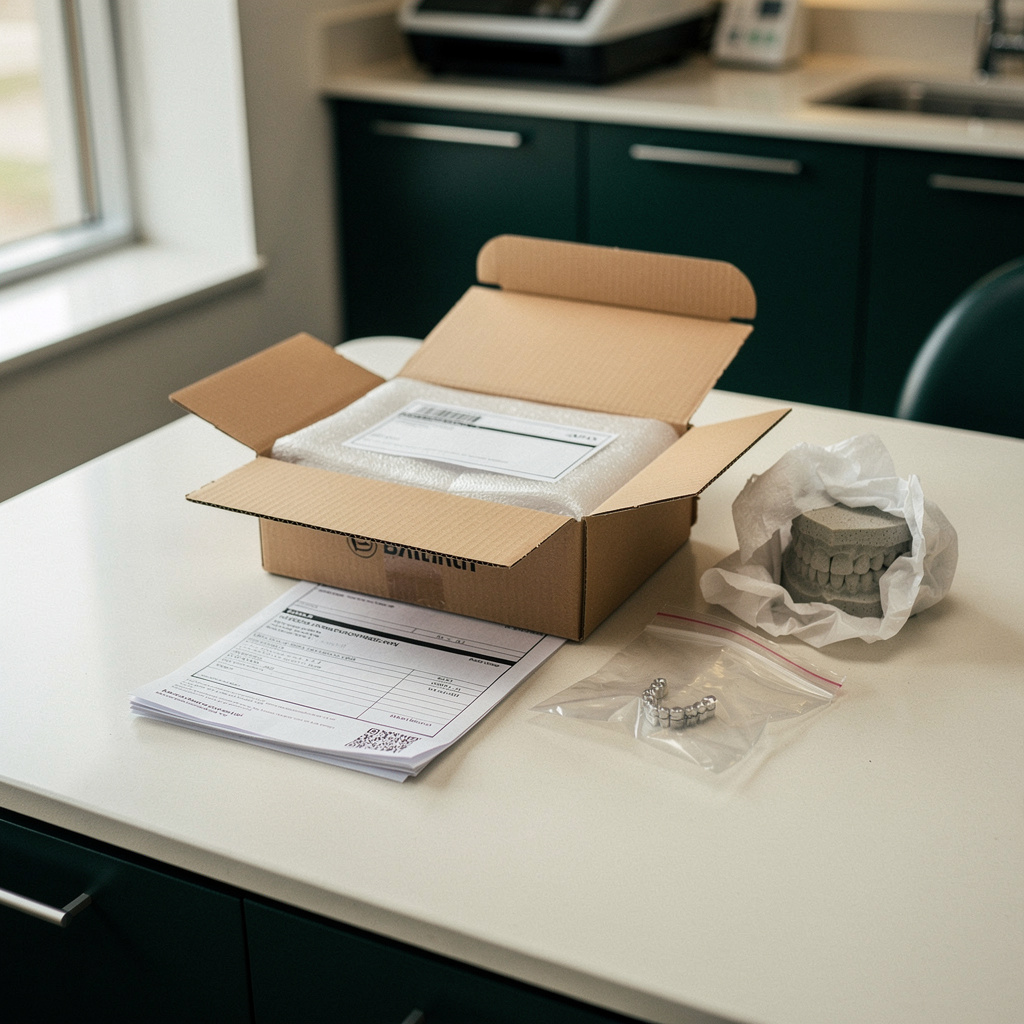
- The restoration itself, cleaned and disinfected according to your normal protocol
- The opposing and working models, if you received them
- Any digital files or a note that the case was digital, with the scan date
- A copy of the original prescription
- Your written remake request
Pack the restoration so it cannot be damaged in transit and label the package clearly as a remake. If your practice has a standard shipping routine for outgoing cases, use it for returns as well. Mark the outside "remake" so it gets routed to the right person on arrival rather than sitting in the intake queue.
If you are not sure the lab wants the restoration returned, ask before shipping. Some labs prefer photos first for a quick assessment.
Fix the input if the input was the problem
Sometimes the honest answer is that the issue began with the impression, scan, or prescription. Say so in your own notes even if you do not lead with it in the request. If a margin was unclear, retake it rather than sending the same data again. Sending identical input and expecting a different result is a common reason for a second remake.
If the lab comes back with a question like "the margin on the distal is not clear in the scan," treat it as useful information rather than a pushback. Labs that flag input problems early are protecting you from a delivery-day surprise.
Keep the tone factual
Frustration is understandable, especially with a patient in the chair and a schedule thrown off. Still, a factual request gets better results than an irritated one. A few habits help:
- Describe the restoration, not the technician.
- Avoid words like "again" or "always" unless you have a log that supports them.
- Thank the lab for a quick response when you get one. It costs nothing and sets the tone for the next case.
- If this is a pattern, raise it separately in a phone call or a periodic review rather than inside a single remake ticket.
Keep a simple remake log
After each remake, write one line in a shared spreadsheet:
- Date
- Lab
- Doctor
- Restoration type
- Issue category (fit, contact, occlusion, shade, margin, other)
- Suspected origin (scan or impression, prescription, lab fabrication, unclear)
- Days lost
A log like this turns anecdotes into patterns. If most of your remakes list the same issue category with one lab, that is a conversation to have. If they cluster around one doctor or one type of case, the fix may be on your side, such as a prescription template or a scan review step. Review it quarterly and bring specific rows to the lab when you talk.
A template you can copy
Paste this into an email or the notes field of your order and fill in the blanks:
- Case: [patient/case ID], original case # [number], sent [date]
- Doctor / tooth / restoration: [details]
- Needed by: [date]
- Issue: [what was observed, where, at what stage]
- Chairside actions taken: [adjustments, if any]
- Request: [remake, lab modification, call, or advice]
- Attached: [photos, files, returned items]
- Best contact: [name and direct number or email]
Choosing labs partly on how they handle this
How a lab responds to a well-written remake request tells you a lot. Do they acknowledge it quickly, ask sharp questions, and tell you the revised delivery date? Or do you chase them for updates? When you compare labs, consider that response alongside price and turnaround. If you are shopping for a new lab, Dintle lets you compare labs and see per-case prices up front, and you can then send cases and track orders in one place, which makes it easier to keep your remake notes tied to a specific order.
This week
Pick one action: create the template above and save it where your front team can find it, or start the remake log with the last few remakes you remember. Either one will make your next remake request faster to write and easier for the lab to act on.